
3 Easy Ways to Stay Ahead of Scaffolding Regulations
Scaffolding regulations are constantly changing, here are three ways you can use that to your advantage. Read More
Originally posted on Friday, March 27, 2015


By: Cliff Young

Scaffolding regulations are constantly changing, here are three ways you can use that to your advantage. Read More
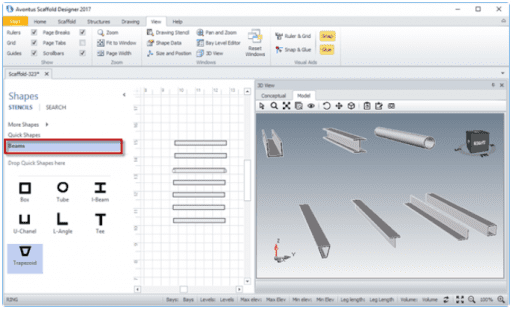
A new how-to article has been posted on the Avontus Help page. See the tutorial on how to create Beams. Read More
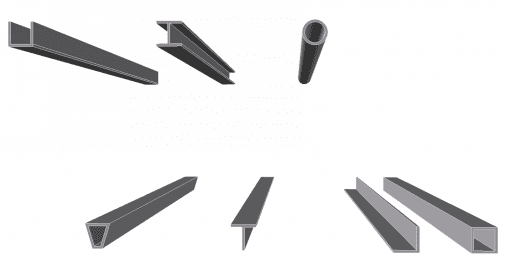
A new how-to article has been posted on the Avontus Help page. Here’s a tutorial on how to create Beams. Read More