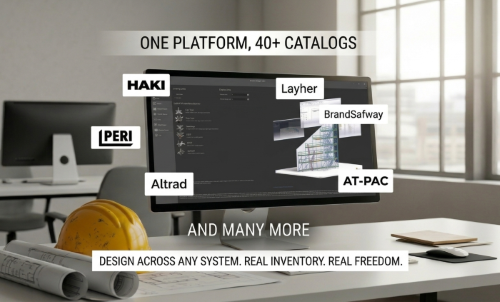
Your Scaffold Design Software Is Supposed to Work for You, Not Your Supplier
There’s a quiet trend happening in scaffold design software, and if you’re a scaffold contractor, it’s worth paying attention to.… Read More
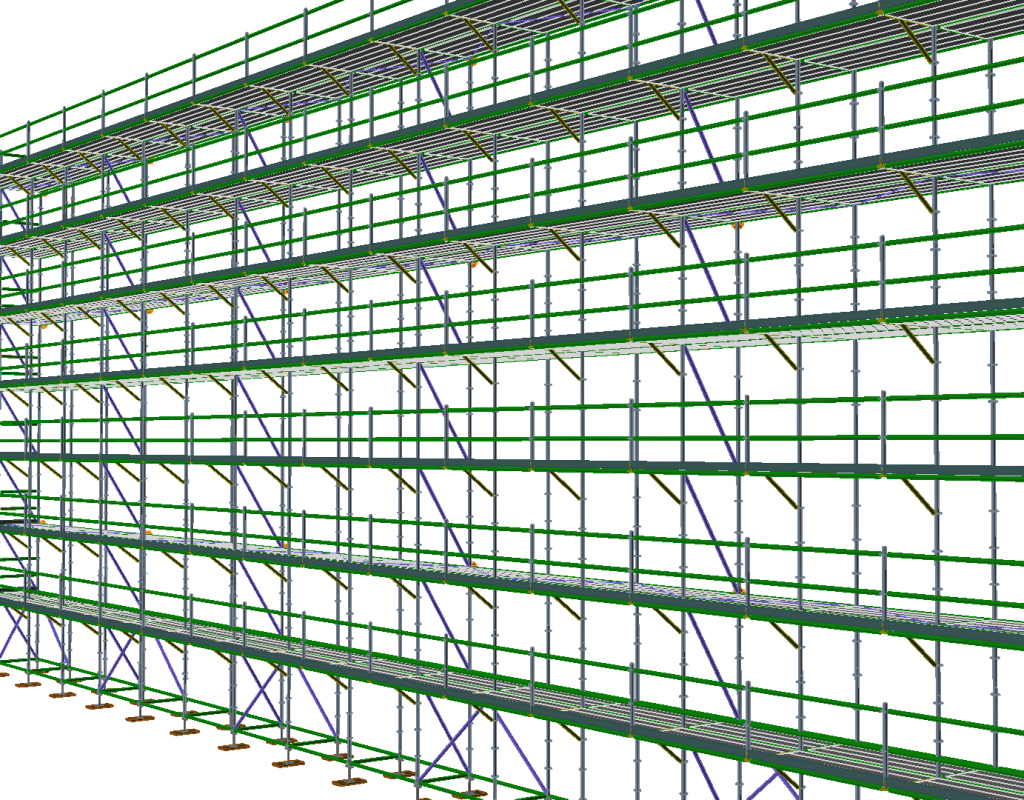
Avontus Software is pleased to announce that Avontus Designer (previously Scaffold Designer) version 6.1.404 is available for update for those with a current subscription.
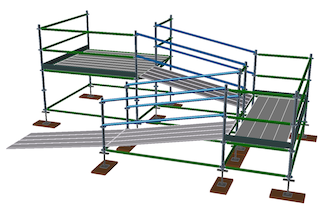
Avontus Designer enables you to create sloped scaffold ramps, decks and guardrails, with parts that are accurately counted in the BOM, and viewed in Avontus Viewer!
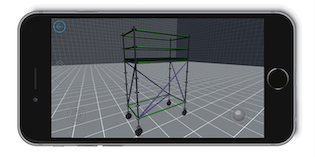
Avontus Viewer® is available to everyone. Click on the links below to download and use for free.



Apple App Store Google Play Store Windows Desktop
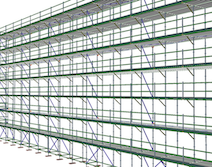
The drawing file size have also been reduced by about 70% of what they were in previous versions. Even if you open old drawings in this new version of Avontus Designer and save them, the resulting file will be reduced by about 70% of its original size.
Use the new Beam Object to represent any scaffold part, and Avontus Designer will accurately list it in the bill of materials (BOM). To make the new part appear in the BOM, add it to the Material Master, which makes it available across all your designs. You can then use the part number for the new object and Avontus Designer will include it in the BOM.
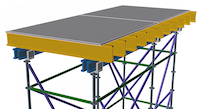
You can also add non-scaffolding objects (such as plywood) as parts that will be included in the Material Master, and add them to a stencil library for use in any drawing.
Fly through your scaffolding with the VR Viewer. The viewer is still free to all new and current customers, To get your free viewer, visit the Avontus Viewer page.
There’s a quiet trend happening in scaffold design software, and if you’re a scaffold contractor, it’s worth paying attention to.… Read More

The NASC Skills Gap Report 2026 has put a number on something every scaffold business owner in the UK already… Read More

When speed becomes a service-level promise, not just an internal goal, it changes how clients choose you. Here’s what it… Read More